About the Author: Michael
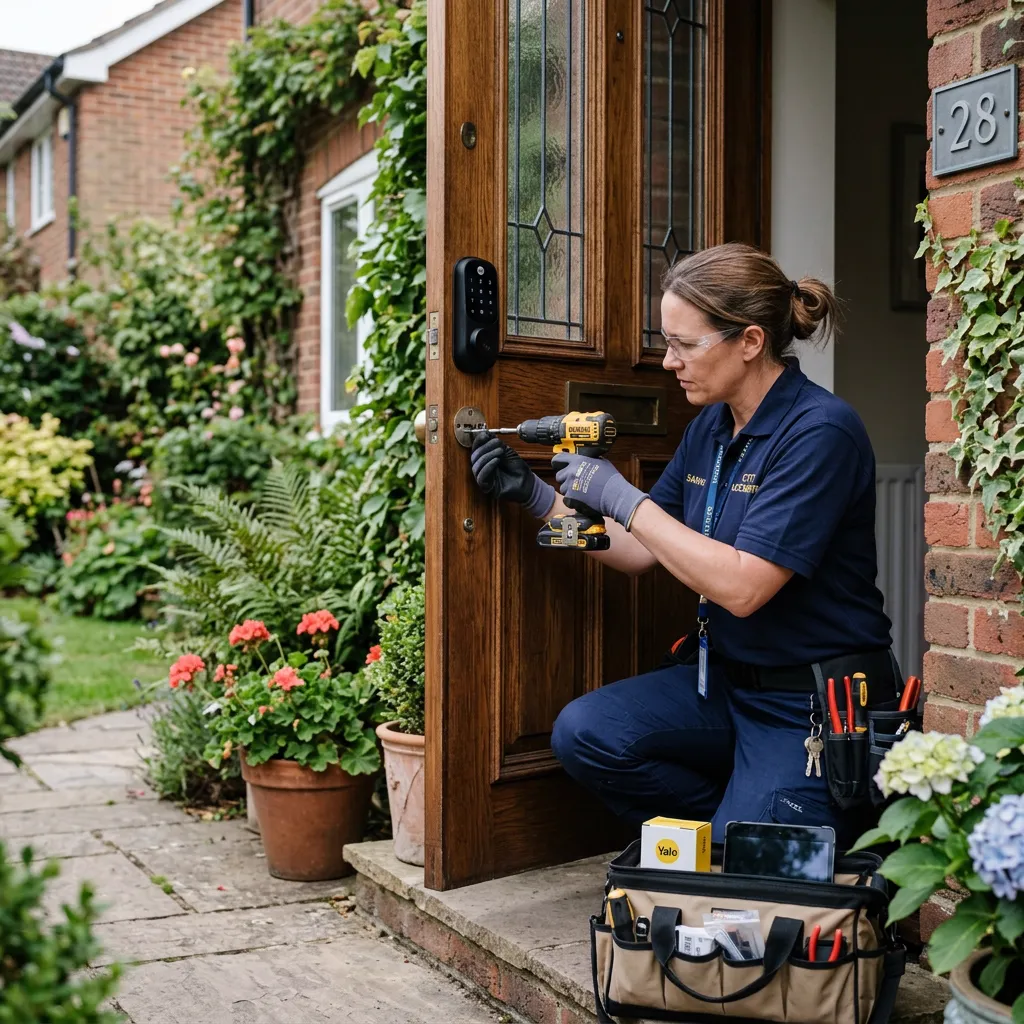
As a licensed NYC locksmith specializing in advanced access control and residential security, I've spent over 15 years servicing Staten Island. I've personally installed over 1,200 electronic deadbolts, from basic keypad retrofits to fully integrated Z-Wave network systems across neighborhoods like New Dorp, Great Kills, and Tottenville.
The decision to upgrade from a traditional mechanical deadbolt to a keyless entry system involves much more than simply choosing a brand. You are fundamentally changing your home's security infrastructure.
I am writing this guide because the internet is flooded with marketing material that glosses over the physical realities of installing smart locks. In this definitive guide, I will share the unvarnished truth about what works, what fails, and what you actually need to know before modifying your front door.
1. The Real Disadvantages of Keyless Entry Systems
Every piece of technology introduces new points of failure. Understanding these vulnerabilities allows you to mitigate them effectively.
- Power Management: Unlike a brass key, motors require electricity. Most units rely on 4 AA alkaline batteries. In a busy household, these will deplete every 6 to 9 months. Ignoring the low-battery warning tone will inevitably lead to a lockout.
- Network Reliability: Wi-Fi enabled locks require a robust 2.4GHz connection at the physical door location. Staten Island homes often have routers buried in basements, resulting in dropped signals. If your lock cannot communicate with your router, your remote access features become entirely useless.
- Weather Extremes: The coastal humidity and freezing winter temperatures on the island take a toll on exterior electronics. Capacitive touchscreens can become entirely unresponsive when the ambient temperature drops below 20°F. For highly exposed doors, tactile rubberized buttons are far superior to sleek glass panels.
- The Cost Disparity: A standard Schlage or Kwikset mechanical deadbolt costs around $40. A Schlage Encode Plus or Yale Assure runs upwards of $250 to $350, excluding labor.
2. Navigating Power Outages
A power grid failure does not compromise your physical security. Because these units operate on localized battery power, the mechanical locking action, the external keypad, and the internal thumbturn remain fully functional during a blackout.
What you lose during a power outage is the network bridge. Without your home router functioning, you cannot remotely lock or unlock the door from your office, nor will you receive push notifications about who is entering. If your home utilizes an uninterruptible power supply (UPS) for the modem and router, full functionality remains intact. I also strictly advise purchasing models equipped with a hidden mechanical key override as a fail-safe against total battery failure.
3. The Threat Landscape: Hacking vs. Physical Force
The media frequently highlights the theoretical risk of a hacker bypassing your lock via Bluetooth relay attacks or Wi-Fi packet sniffing. While mathematically possible, it is practically nonexistent in residential burglaries. Modern systems employ AES-256 encryption, the same standard used by financial institutions.
The true vulnerability lies in user error. Using a weak Wi-Fi password (like your phone number) or reusing the same access code for years invites trouble. Furthermore, a highly encrypted lock is useless if it is mounted on a rotting door frame with half-inch screws. Real-world intruders rely on brute force, kick-ins, or drilling the cylinder. Ensure your lock has an ANSI Grade 1 rating and fortify your door jamb with a heavy-duty security strike plate.
4. Breakdown of Professional Installation Costs
Hardware pricing is straightforward, but labor variables dictate the final cost. If your door is perfectly aligned, standard labor runs between $90 and $150. However, rarely is a door perfect.
If I need to re-drill the crossbore, chisel out a larger mortise for the strike plate, or adjust the hinges to prevent the deadbolt from binding, the labor cost increases. Additionally, setting up a Z-Wave hub or troubleshooting a weak wireless mesh network adds time. A transparent professional will provide a written assessment of your door's geometry before quoting a final price.
5. The DIY vs. Professional Dilemma
If you are swapping a mechanical deadbolt for an August retrofit lock, and your bolt throws smoothly with zero friction, a DIY installation takes 15 minutes.
However, nearly a third of my service calls are to fix botched DIY jobs. The most common error is ignoring door binding. If you have to push your door with your hip to turn your key, the smart lock motor will struggle against that same friction. This causes the nylon gears inside the lock to strip and drains the batteries in mere weeks. A professional calibrates the door alignment first, ensuring the bolt glides flawlessly into the strike plate.
6. Evaluating Door Compatibility
Do not purchase hardware before measuring your door. You must verify three distinct dimensions:
- Door Thickness: Standard residential doors are 1-3/8" or 1-3/4" thick. If you live in a historic Staten Island home with a 2-1/4" solid oak door, you will need to order a thick-door extension kit directly from the manufacturer.
- Backset: This is the distance from the edge of the door to the exact center of the lock hole. Standard measurements are 2-3/8" or 2-3/4". Most modern locks have an adjustable latch to accommodate both.
- Hardware Configuration: If your door features an integrated mortise lockset (where the handle and deadbolt are housed in a single massive metal cassette inside the door), standard smart locks will not fit without extensive and expensive door reconstruction.
7. The Reality of the Installation Process
The physical mounting of the hardware is only step one. The subsequent phases require patience and technical literacy.
After the lock is screwed into place, you must initiate the lock's handing process (teaching the internal computer which way the bolt extends). Failure to perform this calibration correctly means the app will report the door as "locked" when it is visibly wide open. Following that, you must integrate the lock with your home network, update the firmware out of the box, and establish distinct user codes.
8. Law Enforcement Perspectives on Smart Access
Police departments look favorably upon smart locks for one major reason: the elimination of the hidden spare key. A rock or a welcome mat is the first place a burglar looks. Generating a temporary access code for a contractor or dog walker is infinitely more secure.
Furthermore, the activity log provides exact timestamps of entry, which serves as a highly accurate timeline in the event of an investigation. However, law enforcement strictly advises against relying on automation alone. A smart lock must be part of a layered defense strategy encompassing structural reinforcement and exterior illumination.
9. Insurance Premium Implications
Upgrading your security infrastructure can yield financial benefits beyond peace of mind. Many major insurance carriers offer premium discounts ranging from 5% to 15% for homes equipped with monitored smart security systems.
To qualify, you generally must provide proof of purchase and a receipt from a licensed installer. The presence of a localized audit trail (the activity log) also expedites insurance claims by irrefutably proving the door was secured at the time of an incident. Always consult your underwriter regarding their specific hardware requirements.
10. Retailer Installation vs. Local Specialists
Big-box retailers often offer flat-rate installation add-ons at checkout. These are subcontracted out to local handymen, not specialized security technicians.
A general contractor will mount the lock. A dedicated locksmith will assess the integrity of your door frame, adjust the strike plate for zero-friction operation, ensure the lock cylinder is pick-resistant, and walk you through the network integration process. Security requires specialized expertise, not a generic approach.
11. Top Recommendations for the Staten Island Climate
Through rigorous field testing across the island, distinct winners emerge based on environmental factors:
- The Premium Choice: The Schlage Encode Plus. It offers native Wi-Fi, Apple Home Key support, and a remarkably durable keypad that withstands the freezing moisture off the Raritan Bay.
- The Retrofit King: The August Wi-Fi Smart Lock. For those in co-ops or renting, it replaces only the interior thumbturn, leaving the exterior hardware completely untouched while providing full automation.
- The Value Contender: The Yale Assure 2. It provides a sleek aesthetic and reliable operation, though I strongly suggest the push-button variant over the touchscreen if your door lacks an overhang.
Final Verdict on Securing Your Home
A smart lock is an exceptional upgrade, provided you select the right hardware for your specific door and environment. Focus on structural integrity first, address door binding before installing the lock, and always maintain a physical key override off-site. For tailored recommendations or professional installation across Staten Island, our team is ready to assist.